Quick start
- Choose the conversion category.
- Enter the starting value.
- Choose the source and target units, then calculate.
Best uses
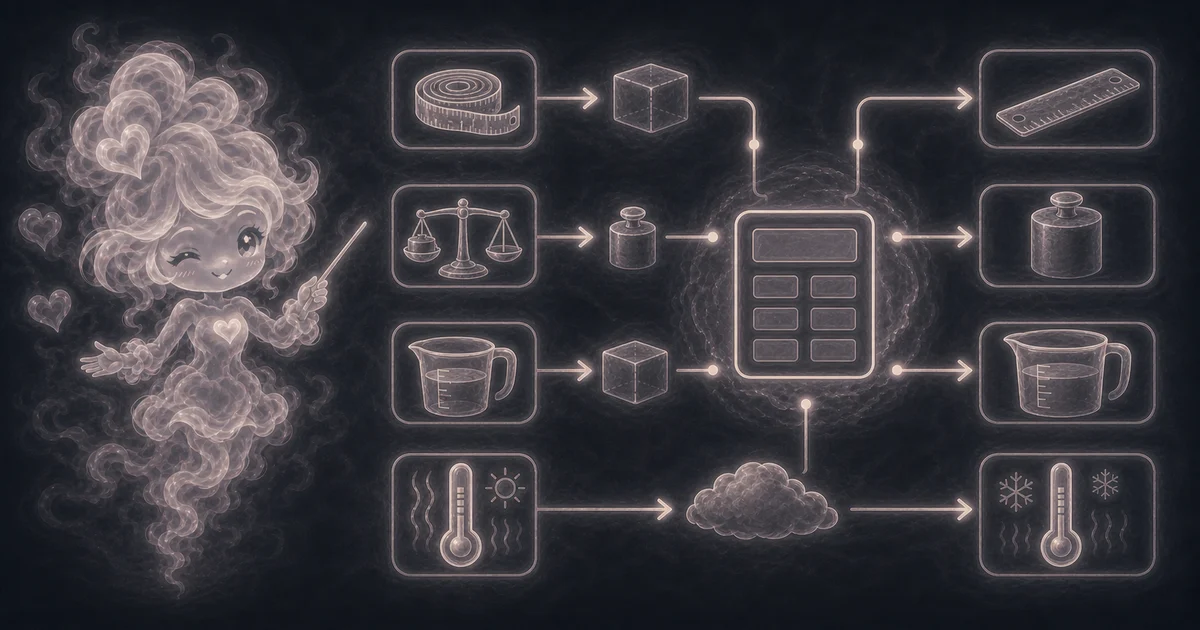
Start here if one of these sounds like your job. The examples below show which inputs matter most.
- Convert between metric and U.S. customary length units.
- Convert weight or mass between grams, kilograms, ounces, pounds, and tons.
- Convert common cooking and liquid volume units.
- Convert Celsius, Fahrenheit, and Kelvin temperatures.
What this calculator is solving
The Conversion Calculator gives quick metric and U.S. customary conversions for everyday work, school, cooking, and planning examples.
Match each input label on the calculator to the real measurement, amount, rate, unit, or setting for your job.
The formula in plain language
In plain language: Most conversions multiply by a fixed factor to a base unit, then divide by the target factor. Temperature conversions use Celsius as the intermediate value. The examples on the page are there so you can compare your inputs with a filled-out example before copying the answer.
The example cards on the calculator page show a complete set of inputs and the kind of answer you should expect.
How to read the answer
Read the main result first. Then check the smaller lines for the totals, units, ranges, counts, or formula steps behind it.
- The main answer shows the converted value and target unit.
- Most units convert through a category base unit.
- Temperature converts through Celsius because temperature scales have offsets.
Common mistakes to avoid
If the answer looks strange, the most likely cause is a small input mismatch: a mixed unit, copied value, wrong mode, missing label, or result used for the wrong job.
- Do not mix categories such as length and volume.
- For regulated work, use the exact standard your field requires.
- Check whether a recipe or product uses U.S., imperial, dry, or metric units.
Research and references
These references help check the measurements, units, limits, or safety notes used in this guide.
Worked examples for Conversion Calculator
3.6576 meters
68.0388555 kilograms
22.2222222 C
FAQ in plain language
When should I use the Conversion Calculator?
Use it when your task matches one of these common needs: Convert between metric and U.S. customary length units. Convert weight or mass between grams, kilograms, ounces, pounds, and tons. It works best when you already know the value, source unit, target unit, format, or mode the page asks for.
What is the Conversion Calculator doing with my inputs?
In plain language: Most conversions multiply by a fixed factor to a base unit, then divide by the target factor. Temperature conversions use Celsius as the intermediate value. The examples on the page are there so you can compare your inputs with a filled-out example before copying the answer.
What do the main Conversion Calculator inputs mean?
The main inputs are the value you want to convert and the from/to units or formats. Keep the original value in the first field and choose the target unit carefully.
How should I read the Conversion Calculator answer?
Read the output next to your original input. If the tool changes format, units, encoding, spacing, or capitalization, compare a small sample before copying the whole result into another app.
What should I double-check before trusting the answer?
Use exact professional references for regulated, medical, lab, engineering, or legal measurement work that requires a specified standard. Also check the source unit, target unit, format, decimal places, and selected mode because small input changes can change the result.
Why are temperature conversions different from length or weight conversions?
Length, mass, and volume conversions usually use one multiply-or-divide factor. Temperature scales have offsets, so Fahrenheit, Celsius, and Kelvin need their own formulas instead of a simple factor.
Can I convert volume to weight with this calculator?
Not by unit labels alone. Volume and weight measure different things, so cups to grams, milliliters to ounces, or similar conversions need the ingredient density or product label before the answer is safe to use.
Related tools
- Concrete CalculatorEstimate slab volume, cubic yards, cubic meters, and common 40, 60, and 80 lb bag counts.
- Volume CalculatorFind cubic volume for boxes, cubes, cylinders, spheres, and cones.
- Scientific Notation CalculatorConvert standard numbers to scientific notation or expand powers of 10 back to standard form.
Keep exploring
If this guide is close but not exact, these links keep you near the same kind of problem.
- ConvertersBrowse the full category for related tools that help with the same job.
- All free toolsSearch the complete Access Free Tools library by task, category, or tool name.
- All calculator and utility guidesFind more plain-language examples, formulas, mistakes, and result explanations.
- Free calculator resourcesStart here when you are not sure which calculator page fits.
Privacy and copying results
Recent answers stay visible only while you work in the current browser tab. They are not sent to a server.
Use Copy answer when you want to save the inputs and result in notes, homework, a message, or a project list. Check the units, labels, and limits before copying.