Quick start
- Open the Currency Calculator.
- Enter the source amount, such as 500.
- Enter the exchange rate as target currency per 1 source currency, such as 0.92 if each source unit buys 0.92 target units.
- Enter an exchange fee percent only if the provider charges it, such as 2.5 for 2.5%.
- Calculate, then compare converted amount, before-fee amount, fee amount, and rate used before copying the estimate.
Best uses
Start here if one of these sounds like your job. The examples below show which inputs matter most.
- Convert travel spending with a manual bank, card, or cash exchange rate.
- Estimate the effect of a percentage exchange fee before sending money.
- Compare two exchange-rate quotes using the same source amount.
- Check whether a quoted rate direction looks inverted before copying it.
What this calculator is for
The Currency Calculator is for manual-rate conversions. It helps when you already have a rate from a bank, card, transfer service, cash desk, or rate table and want to see the converted amount before and after an optional percentage fee.
Use it before travel, a card purchase, a cash exchange, an international transfer, or a quick provider quote check. It is best when you already have the exact rate and fee you want to test.
What to enter
Currency estimates break when the rate direction is flipped. Keep the source amount, target-per-source rate, percentage fee, and fixed fees separate so you can tell whether the rate or the fee moved the answer.
- Enter the amount you want to convert in the source currency, such as 500.
- Enter the exchange rate as target currency per 1 source currency, such as 0.92 when 1 source unit buys 0.92 target units.
- If your quote is written the other way around, invert it before entering the rate. A quote of 1 target unit = 0.80 source units becomes 1 / 0.80 = 1.25 target units per source unit.
- Enter a fee percent only if your bank, card, cash exchange desk, or transfer service charges one. Type 2.5 for 2.5%, not 0.025.
- Handle fixed transfer fees separately because this calculator only subtracts a percentage fee after conversion.
Example walkthrough
Try the starter example: 500 source units at a 0.92 exchange rate with a 2.5% fee. The before-fee result is 460 target units, the fee is 11.5 target units, and the final after-fee estimate is 448.5 target units.
- If you convert 100 at a rate of 1.25 with no fee, the before-fee and final result are both 125 target units.
- If you convert 500 at a rate of 0.92, the before-fee result is 460 target units because 500 x 0.92 = 460.
- With a 2.5% fee, the fee amount is 11.5 target units because 460 x 0.025 = 11.5.
- The final after-fee result is 448.5 target units because 460 - 11.5 = 448.5.
Formula and steps
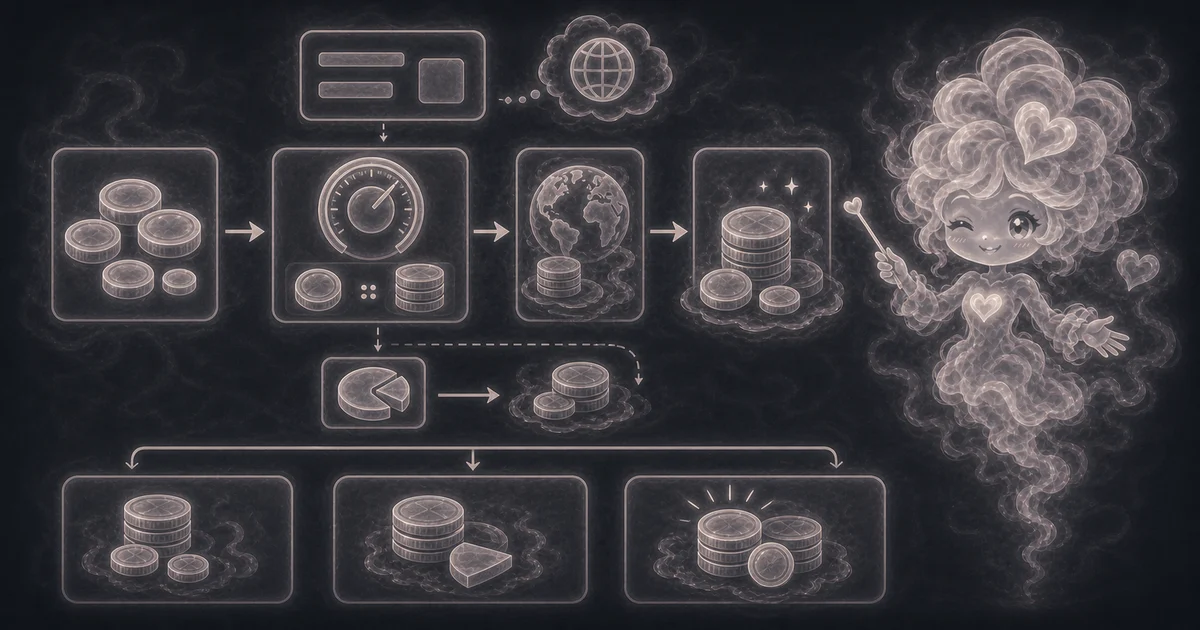
In plain language: Gross converted amount = source amount x exchange rate. Fee amount = gross converted amount x fee percent / 100. Converted amount after fee = gross converted amount - fee amount. If the result seems too high or too low, first check whether the rate is written as target currency per 1 source currency or needs to be inverted.
Start with the gross conversion: source amount times exchange rate. Then subtract any percentage fee from that converted value. If the quote is written as source currency per 1 target currency, invert the rate before using this page.
How to read the answer
Start with converted amount because that is the after-fee estimate. Then check before-fee amount, fee amount, and rate used so you can compare one provider quote with another without mixing rate spread and fee math.
- Converted amount is the final estimate after any percentage fee.
- Before fee shows the clean source amount times exchange rate calculation.
- Fee amount shows how much the optional percentage fee removed from the converted value.
- Rate used is the manual rate you entered, not a live bank, card, cash, or transfer-service quote fetched by the site.
Common mistakes to avoid
Most bad currency estimates come from using a stale rate, flipping the rate direction, ignoring fixed transfer fees, comparing mid-market rates with provider buy/sell rates, or treating a planning estimate like an official exchange record.
- Do not use this as a live exchange-rate lookup.
- Do not enter the inverse rate unless you have intentionally converted the quote direction.
- Do not compare two providers unless you also compare spread, fixed fees, percentage fees, cash pickup fees, card fees, weekend markups, and rounding.
- Do not assume a mid-market rate from a search result is the rate your provider will actually give you.
- Do not use the result as an official tax, accounting, payroll, invoice, or customs exchange-rate record.
- Do not forget that card networks, banks, cash desks, and transfer services may use different rates at different timestamps.
What to try next
A related tool can help when the exchange-rate estimate is only one part of the question, such as checking a provider fee percent, adding local tax after a converted purchase, or planning a wider money scenario.
- Use Percentage Calculator if you need to compare provider fee percentages.
- Use Sales Tax Calculator when a purchase also needs local tax added after conversion.
- Use Finance Calculator for general money projections that are not exchange-rate conversions.
- Use the Currency Calculator again with the inverse rate only when you are converting in the opposite direction.
Sources and estimate notes
Federal Reserve H.10 exchange-rate data is useful context for public reference rates, but this calculator still depends on the exact provider rate and fee you enter. A bank, card network, cash desk, or transfer service can quote a different buy/sell rate, spread, markup, or timestamp.
This calculator still stays simple. It does not fetch live rates, guarantee provider pricing, include fixed transfer fees unless you handle them separately, price ATM or cash pickup fees, choose tax/accounting exchange rates, or replace an official provider quote.
Worked examples for Currency Calculator
125 target units before fees
448.5 target units after fee
1,470 target units before fees
164.9 target units after fee
FAQ in plain language
When should I use the Currency Calculator?
Use it when you want to test the exact inputs on this page: Convert travel spending with a manual bank, card, or cash exchange rate. Estimate the effect of a percentage exchange fee before sending money. The result is a check against your assumptions, not proof that a lender, tax app, broker, platform, or provider will use the same number.
What do the main Currency Calculator inputs mean?
Amount to convert means The source-currency amount before conversion. For 100 USD to another currency, enter 100. Exchange rate means Target currency per 1 source currency. If 1 source unit buys 1.25 target units, enter 1.25. If the quote is source per target, use the inverse rate. Exchange fee means An optional percentage fee removed after conversion. Enter 2.5 for a 2.5% fee. Fixed fees need to be handled separately or baked into your comparison.
What is the Currency Calculator doing with my numbers?
In plain language: Gross converted amount = source amount x exchange rate. Fee amount = gross converted amount x fee percent / 100. Converted amount after fee = gross converted amount - fee amount. If the result seems too high or too low, first check whether the rate is written as target currency per 1 source currency or needs to be inverted.
How should I read the Currency Calculator answer?
Converted amount shows the target-currency amount after the percentage exchange fee. Before fee shows the source amount multiplied by the manual exchange rate. Fee amount shows the deduction in target currency. Rate used repeats the target currency per 1 source currency you entered. The result follows your inputs. It is not a live rate or a provider quote.
What does this estimate leave out?
This tool does not fetch live exchange rates, guarantee bank/card/transfer-service pricing, or include spread, fixed fees, cash pickup fees, taxes, weekend markups, ATM charges, or rounding rules unless you enter them as part of the rate or fee. Use the current rate from your provider or a trusted source before relying on the conversion. Real currency decisions can also depend on transfer timing, settlement dates, card-network rules, cash exchange rates, and provider-specific terms.
What should I double-check before copying the result?
Double-check the rate direction, rate timestamp, provider fee, fixed fee, card fee, transfer fee, and whether the provider uses a worse buy/sell rate than the public mid-market rate.
Does this currency calculator use live exchange rates?
No. It is a manual-rate calculator. Use a current rate from your bank, card, transfer service, cash exchange desk, or another trusted source, then enter that rate yourself.
Related tools
- Percentage CalculatorFind percent-of answers, percent change, discounts, and original values with reverse percentages.
- Finance CalculatorProject a future balance from starting money, monthly deposits, rate, and time.
- Sales Tax CalculatorFind sales tax and final total from a subtotal and local rate.
Keep exploring
If this guide is close but not exact, these links keep you near the same kind of problem.
- FinanceBrowse the full category for related tools that help with the same job.
- All free toolsSearch the complete Access Free Tools library by task, category, or tool name.
- All calculator and utility guidesFind more plain-language examples, formulas, mistakes, and result explanations.
- Free calculator resourcesStart here when you are not sure which calculator page fits.
Privacy and copying results
Recent answers stay visible only while you work in the current browser tab. They are not sent to a server.
Use Copy answer when you want to save the inputs and result in notes, homework, a message, or a project list. Check the units, labels, and limits before copying.