Quick start
- Enter how many dice you want to roll.
- Enter the number of sides per die.
- Add a modifier only when the game or example calls for one.
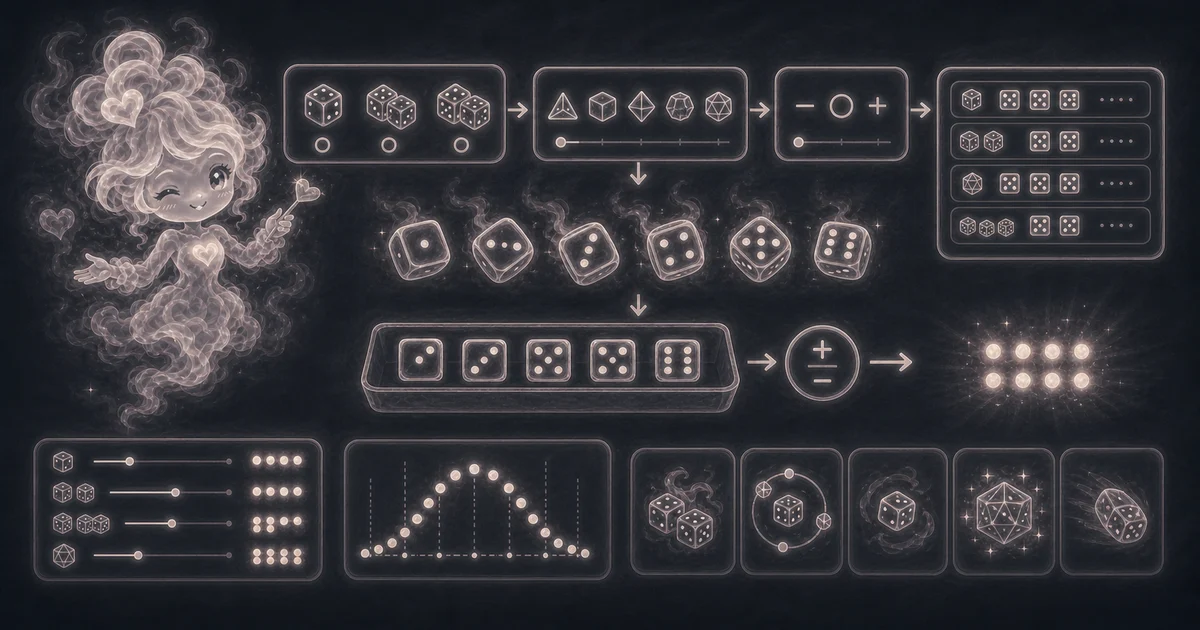
Best uses
Use this guide when you know the roll notation but want to double-check what each part of the result means before using it.
- Roll 1d6, 2d6, d20, percentile-style dice, or custom sided dice.
- Add a positive or negative modifier for tabletop game checks.
- Show each die roll and the final total.
- Keep recent rolls while comparing examples.
What this tool helps with
The Dice Roller is for quick, casual random rolls. It shows every die, the subtotal, the modifier, and the final total so the result is easy to check.
Match each input label on the tool to the dice count, sides per die, and optional modifier your game, lesson, or example actually calls for.
The logic in plain language
In plain language: The roller generates each die as a random whole number from 1 through the number of sides, adds the rolls together, then applies the modifier. The examples on the page are there so you can compare your inputs with a dice-roll example such as 2d6, 1d20 + 5, or 4d10 before copying the answer.
For example, 2d6 rolls two separate numbers from 1 through 6, adds them as the subtotal, then applies the modifier. A 1d20 + 5 check rolls one number from 1 through 20 and adds 5 after the die result.
How to read the answer
Read the final total first, then check Rolls, Subtotal, and Modifier. If a game asks for the natural die result, use the individual roll; if it asks for the check total, use the final total.
- The main answer is the final total after the modifier.
- Rolls shows the individual die results.
- Subtotal is the dice total before the modifier.
Common mistakes to avoid
Dice rolls usually go wrong when the notation is misunderstood: 2d6 means two six-sided dice, d20 means one 20-sided die, and +5 is added after the die result.
- Do not use this for gambling, official drawings, or audited random selection.
- Check whether your game needs one die, multiple dice, or a modifier.
- Remember that random rolls can repeat and do not balance out in short runs.
2d6, 1d20 + 5, and 4d10 examples
A 2d6 roll means two six-sided dice. If the rolls are 4 and 5, the subtotal is 9, and the final total is still 9 unless you add a modifier.
A 1d20 + 5 check means one 20-sided die plus a modifier of 5. If the die shows 13, the subtotal is 13 and the final total is 18.
A 4d10 roll means four ten-sided dice. That is useful when a game or lesson asks for several dice at once and you need to see each die, not just the total.
Why streaks can happen
Random does not mean even in the next few rolls. You can roll three low numbers in a row, repeat the same face twice, or miss a high number for a while, and that can still be normal casual randomness.
That is why the page shows every die result. If the total feels surprising, check the individual rolls and the modifier before assuming something went wrong.
When to use a different random tool
Use this page when the result should feel like dice: d6, d20, d100, multiple dice, or a modifier after the roll.
Use the Random Number Generator when you need numbers in a custom range, unique picks, sorting, or copied lists instead of dice-style notation.
Research and references
These references explain browser random-number behavior, random-number language, and people-first limits behind the guide. They do not turn a casual dice roll into certified randomness.
Worked examples for Dice Roller
Two rolls from 1 to 6, added together
One d20 roll plus modifier 5
Four rolls from 1 to 10
FAQ in plain language
When should I use the Dice Roller?
Use it when your task matches one of these common needs: Roll 1d6, 2d6, d20, percentile-style dice, or custom sided dice. Add a positive or negative modifier for tabletop game checks. It works best when you already know the number of dice, the number of sides on each die, and an optional positive or negative modifier.
What is the Dice Roller doing with my inputs?
In plain language: The roller generates each die as a random whole number from 1 through the number of sides, adds the rolls together, then applies the modifier. The examples on the page are there so you can compare your inputs with a dice-roll example such as 2d6, 1d20 + 5, or 4d10 before copying the answer.
What do the main Dice Roller inputs mean?
Dice count: how many dice to roll at once, from 1 through 50. Sides: the highest face number on each die, from 2 through 1,000. Modifier: an optional whole number added to or subtracted from the subtotal after the dice are rolled. Subtotal: the sum of the dice before the modifier changes the final total.
How should I read the Dice Roller answer?
Read the headline answer, then check the smaller lines beside it. For everyday tools, those lines usually show the distance, time, cost, units, or setting that made the answer change.
What should I double-check before trusting the answer?
Use it for everyday games, teaching, and quick picks. Do not use it for gambling, legal drawings, security, or audited randomness. Check whether your game or lesson needs one die, multiple dice, a special die such as d20 or d100, and whether the modifier should be added or subtracted.
Why does the answer change every time?
A dice roller is supposed to create a fresh random roll each time. The page shows the individual dice, subtotal, modifier, and final total so you can see exactly how that roll was built.
What dice sizes can I roll?
You can roll 1 to 50 dice at a time, and each die can have 2 to 1,000 sides. That covers common dice such as d6, d8, d10, d12, d20, and d100, plus custom classroom or game examples.
Related tools
- Random Number GeneratorGenerate random numbers in a custom range, with unique, sorted, and copied results.
- Probability CalculatorCalculate P(A or B), P(A and B), complements, and independent-event probability checks.
- Permutation and Combination CalculatorCalculate nPr and nCr for order-matters and order-does-not-matter counting problems.
Keep exploring
If this guide is close but not exact, these links keep you near the same kind of problem.
- Everyday ToolsBrowse the full category for related tools that help with the same job.
- All free toolsSearch the complete Access Free Tools library by task, category, or tool name.
- All tool and utility guidesFind more plain-language examples, logic notes, mistakes, and result explanations.
- Free tool resourcesStart here when you are not sure which tool page fits.
Privacy and copying results
Recent answers stay visible only while you work in the current browser tab. They are not sent to a server.
Use Copy answer when you want to save the dice count, sides, rolls, subtotal, modifier, and final total for notes, a game log, or a classroom example. Do not use copied rolls as official proof for gambling, legal drawings, audits, or certified random selection.