English sentence
This support note was clear and easy to follow.Likely English, then check alternatives.
Use this free browser language detector to check a sentence or short paragraph, see likely languages, and spot uncertain text.
Guess the language of a sentence or paragraph.
Run the tool to keep a short in-tab history. Nothing is saved to an account.
Language detection runs locally in the browser with the open-source franc package.
No server model is needed for this tool.
No upload to Access Free Tools. No account needed.
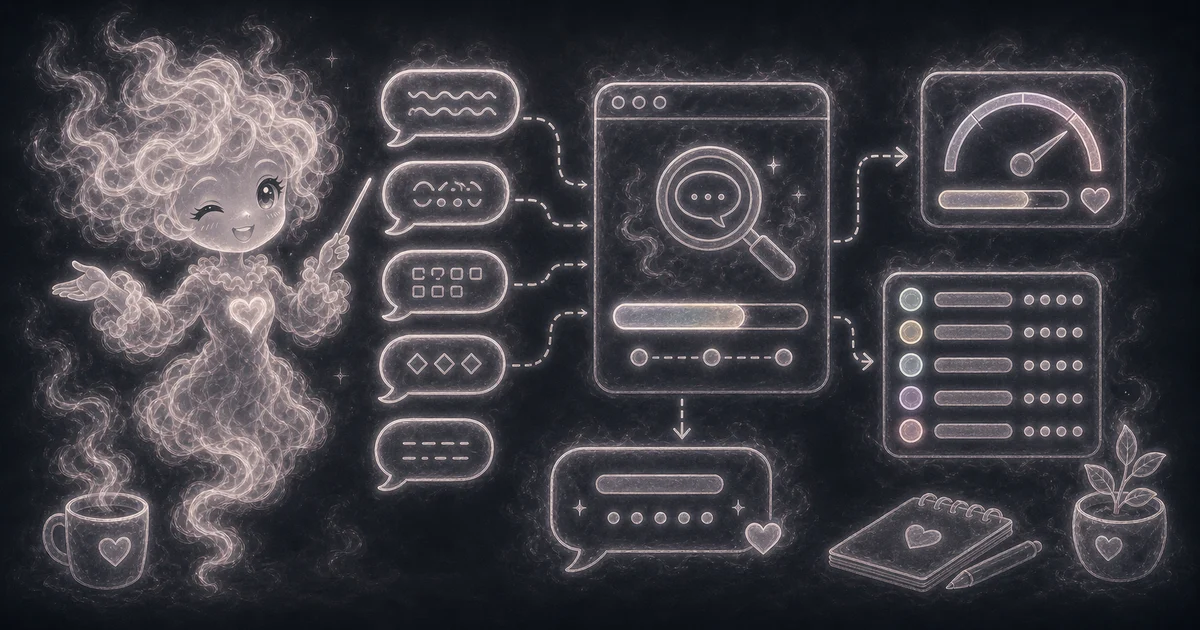
Check the likely language of a support note, comment, or short review before routing it.
Compare alternatives when Spanish, Portuguese, Italian, or French text looks similar.
Flag text that is too short, mixed, romanized, or code-heavy for a confident label.
Sort simple text samples before translation, research, or cleanup.
Likely English, then check alternatives.
Likely Spanish, but compare close Romance-language matches.
Too short or uncertain; paste a full sentence.
Need a slower walkthrough, a related tool, or the full library? These links keep you close to the task you started.
Answers about text length, supported languages, local detection, ranked alternatives, privacy, and guesses to double-check.
Use it when you want a quick browser-side AI helper for this task: Check the likely language of a support note, comment, or short review before routing it. Compare alternatives when Spanish, Portuguese, Italian, or French text looks similar. It is best for drafts, checks, and learning, not final expert decisions.
Paste one natural sentence or short paragraph, such as a support note, product review, or copied message. For example, a 5 to 50 word note is usually stronger than 1 or 2 loose words. Avoid single words, names, addresses, URLs, and tracking codes because they can look like many languages.
Read the top language as the best guess and alternatives as nearby matches. If Spanish is high but Portuguese also appears, check the full sentence before translating or tagging it.
Check short text, mixed-language text, romanized words, names, addresses, URLs, and technical strings manually. A language detector is a clue, not proof of the writer, country, or location.
Language detection compares your pasted text with franc-min language profiles in this browser tab. It does not upload the text to a language-detection service. See the Privacy Policy for separate site analytics and session-replay handling.
The browser loads the small franc-min package when you press Detect language. This detector does not download an AI model or OCR files. Use at least 20 characters after trimming outer spaces, and try a longer sample in one language if a guess looks wrong.
No. Treat it as a helpful estimate or draft. AI and text-analysis tools can misunderstand short inputs, blurry images, unusual wording, mixed languages, or topics outside their training data.