Friendly support reply
Thanks for waiting. I can help with that now.Likely friendly or helpful, with a quick check for missing detail
Check the likely tone of a short email, support reply, caption, or chat message in your browser without uploading the text to Access Free Tools.
Check whether a short message sounds friendly, formal, urgent, or unclear.
Run the tool to keep a short in-tab history. Nothing is saved to an account.
Text stays in this browser tab. The tone model or local fallback runs only after you press the button.
Tone is writing feedback powered by a self-hosted browser model, not a judgment of the person who wrote the message.
No upload to Access Free Tools. No account needed.
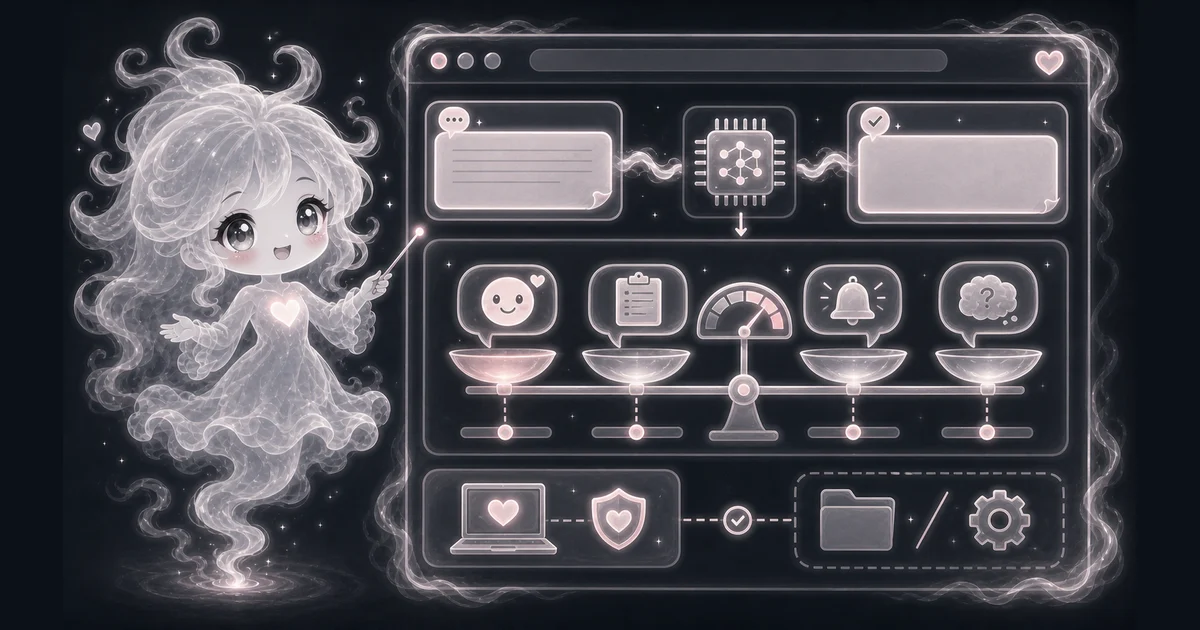
Review a short email before sending it to a customer, teacher, or teammate.
Make a support reply sound calmer before it leaves the help desk.
Compare a casual caption with a more formal rewrite.
Spot wording that may feel urgent, blunt, or unclear in a chat message.
Likely friendly or helpful, with a quick check for missing detail
Likely urgent or direct, not automatically rude or wrong
Likely formal or careful, with audience context still needed
Need a slower walkthrough, a related tool, or the full library? These links keep you close to the task you started.
Answers about this tool's inputs, browser processing, files loaded on first use, result limits, and privacy.
Use it when you want a quick browser-side AI helper for this task: Review a short email before sending it to a customer, teacher, or teammate. Make a support reply sound calmer before it leaves the help desk. It is best for drafts, checks, and learning, not final expert decisions.
Paste at least 12 characters from one short message or draft. Emails, support replies, captions, and workplace chat notes work best when they are 1 to 5 sentences and still have enough context to show word choice, punctuation, and phrasing.
Read the top label as the closest writing tone among friendly or helpful, formal or careful, urgent or direct, and unclear or mixed. A result such as urgent or direct at 64% means the wording may feel time-sensitive or blunt; it is not proof of the writer intent.
Check audience, role, culture, relationship, humor, sarcasm, and the real situation yourself. Do not use tone output to judge personality, intent, HR issues, legal risk, mental health, or customer-safety decisions.
Tone checking runs in this browser tab without uploading the draft to Access Free Tools or a model host for analysis. Model files load from Access Free Tools and the runtime may load from jsDelivr. Those asset requests expose normal connection information to the host, without including the draft. See the Privacy Policy for separate site analytics and session-replay handling.
After Check tone, the browser may need to load the quantized Xenova/mobilebert-uncased-mnli model and its runtime. Later runs may reuse cached files. If the model is unavailable, Tone estimate shows local word and punctuation clue scores instead of model confidence percentages.
No. Treat it as a helpful estimate or draft. AI and text-analysis tools can misunderstand short inputs, blurry images, unusual wording, mixed languages, or topics outside their training data.