UTF-8 text to Base64
- Input length
- 11
- Output length
- 16
- Mode
- Encode
Use this free Base64 encode/decode tool to convert UTF-8 text to Base64, decode Base64 back to readable text, and check padding locally in your browser.
UTF-8 text to Base64
Recent Base64 conversions will appear here.
Base64 encoding and decoding runs locally in your browser tab.
Inputs and recent answers stay in this browser tab and are not sent to a server.
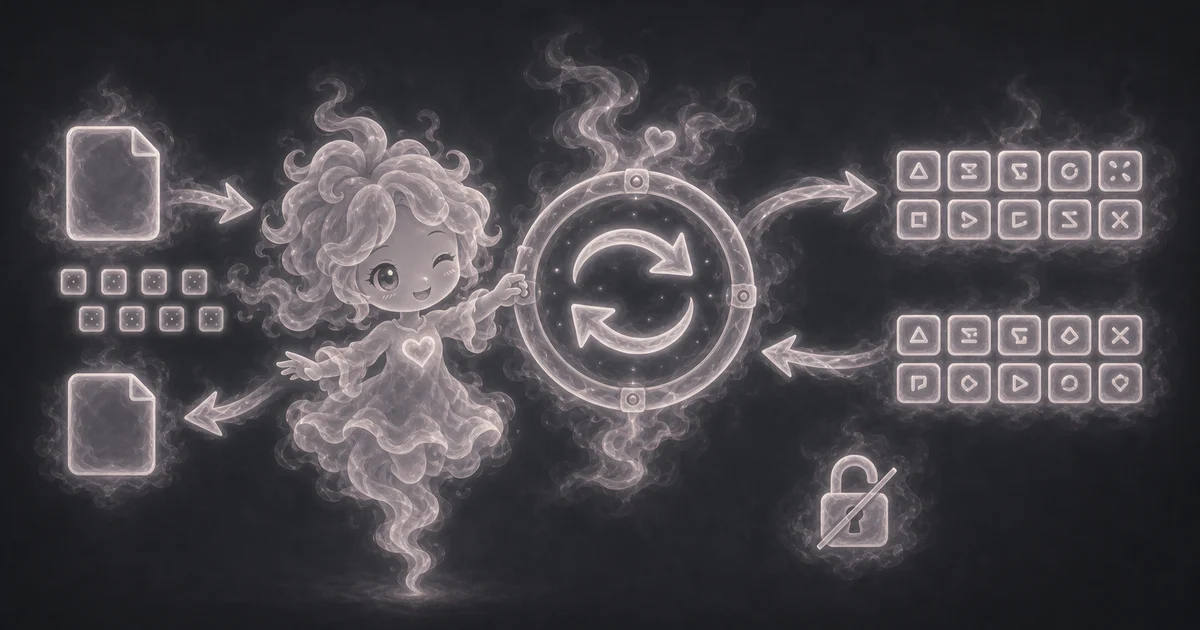
Encode a short text value into Base64.
Decode a Base64 string back to readable text.
Check API examples, headers, payloads, and data snippets without pasting real secrets.
Work locally without sending the text to a server.
SGVsbG8gdG9vbHM=
Hello tools
SGk=
Need a slower walkthrough, a related tool, or the full library? These links keep you close to the task you started.
Plain-language answers about when to use the tool, what it does with your inputs, what to double-check, and how privacy works.
Use it when your task matches one of these common needs: Encode a short text value into Base64. Decode a Base64 string back to readable text. It works best when you already know the text, code, URL, mode, format, or technical setting the page asks for.
In plain language: Base64 takes bytes, groups them into 6-bit chunks, maps each chunk to the A-Z, a-z, 0-9, +, and / alphabet, and uses = padding when the byte length does not fill the last group. This page encodes text as UTF-8 bytes first and decodes Base64 back to UTF-8 text when the bytes are valid text. The examples on the page are there so you can compare your inputs with a filled-out example before copying the answer.
Mode: Choose Encode when you have readable text and want Base64. Choose Decode when you already have Base64 and want readable text. Input text: Paste the exact text or Base64 string you want to convert. Spaces, line breaks, and punctuation count. UTF-8 text: Normal browser text is turned into UTF-8 bytes before Base64 encoding, then decoded back to UTF-8 when possible. Padding: Trailing = characters help finish the last Base64 group when the input byte count is not a perfect fit.
Read the output next to your original input. If the tool changes format, units, encoding, spacing, or capitalization, compare a small sample before copying the whole result into another app.
Base64 is encoding, not encryption. Anyone can decode it, and invalid Base64 or binary-only bytes may not turn into readable UTF-8 text. Do not paste passwords, API keys, tokens, private files, or sensitive data. Also check the selected mode, input format, encoding, and whether the text includes private keys, passwords, or sensitive data.
No. Base64 only changes bytes into printable text. It does not use a key, and anyone with the Base64 string can decode it back unless the original bytes were already encrypted somewhere else.
The = sign is padding. It fills the final Base64 group when the input byte count does not line up cleanly with the 6-bit chunks Base64 uses.
Common causes include copied spaces, missing padding, URL-safe Base64 characters, invalid Base64 symbols, or bytes that are valid Base64 but not readable UTF-8 text.
Do not paste real secrets into any browser tool unless you understand the risk. Base64 does not protect passwords, API keys, tokens, cookies, private files, or authorization headers.
This page is built for text. Binary files need a file-aware encoder with clear size limits, memory behavior, and privacy notes before the result is safe to trust.
Base64 works on bytes, not ideas or letters. UTF-8 is the byte format this page uses before encoding text, so readable text can round-trip back to the same characters when the decoded bytes are valid UTF-8.
No. The tool runs in your browser tab. Your recent answers stay only on the page while you use it, and they are not sent to a server.