12 ft x 10 ft room, 8 ft walls
- Wallpaper area
- 302 ft2
- Area with waste
- 332.2 ft2
- Roll coverage
- 56 ft2
- Estimated cost
- $252.00
Pattern repeat, usable roll yield, odd walls, returns, and batch numbers can change the real order.
Estimate whole wallpaper rolls for a rectangular room from length, width, wall height, door and window counts, usable roll coverage, waste percent, and optional roll price.
Use this for planning. Check measurements, product instructions, and local requirements before buying or building. Read assumptions and limits.
The prefilled values are a sample: a 12 x 10 foot room with 8-foot walls, one door, two windows, 56 square feet per roll, 10% waste, and $42 per roll gives 6 rolls and $252. Replace them with your room and product details, then press Estimate wallpaper.
12 ft x 10 ft room, 8 ft walls
Pattern repeat, usable roll yield, odd walls, returns, and batch numbers can change the real order.
Recent wallpaper estimates will appear here.
Wallpaper estimates stay local and use simple room walls, openings, roll coverage, and waste.
This tool processes inputs and recent answers in this browser tab. See the Privacy Policy for separate site analytics and session-replay handling.
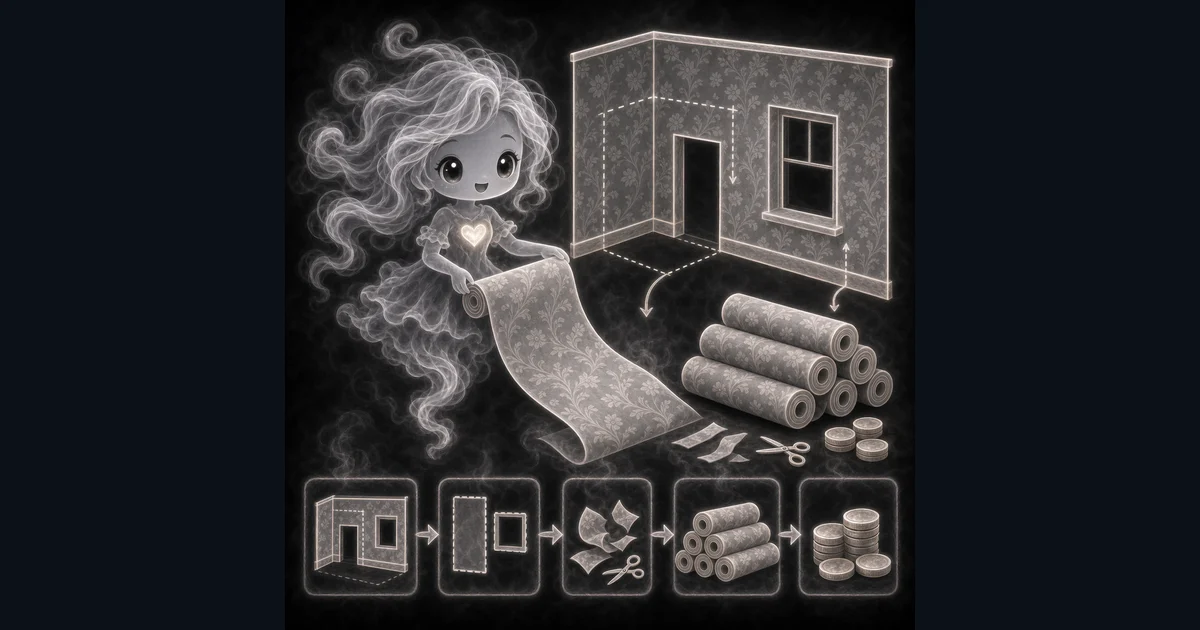
Estimate rolls for a bedroom, office, or powder room.
Apply fixed door and window allowances to rectangular-room wall area.
Compare roll coverage from different wallpaper products.
Check rough material cost when you know the roll price.
Add waste for pattern matching before buying.
6 rolls, about $252
7 rolls, about 301 ft2 with waste
Round up manually to 2 rolls
Need a slower walkthrough, a related calculator, or the full library? These links keep you close to the task you started.
Plain-language answers about when to use the tool, what it does with your inputs, what to double-check, and how privacy works.
Use it when your task matches one of these common needs: Estimate rolls for a bedroom, office, or powder room. Apply fixed door and window allowances to rectangular-room wall area. It works best when you already know the measurements, amounts, units, or options the page asks for.
In plain language: Wall area is 2 x (room length + room width) x wall height. Subtract 20 square feet per door and 15 per window, with a minimum remaining area of zero. Add waste percent, divide by usable roll coverage, round up to whole rolls, and multiply by roll price when entered. The examples on the page are there so you can compare your inputs with a worked example before copying the answer.
Room length and width: the two pairs of walls in a rectangular room, measured in feet. Wall height: the common wall height in feet from the floor or baseboard to the ceiling, trim, or stopping point. Doors and windows: whole counts that subtract a fixed 20 square feet per door and 15 per window, not measured opening sizes. Roll coverage: usable square feet for the roll or bolt you are buying; check whether the product label already allows for repeat or trimming losses. Waste percent: additional material for trimming, matching patterns, damaged strips, corners, and mistakes; do not count losses already allowed for in usable coverage twice. Price per roll: optional roll price used only for a rough material cost before tax, shipping, paste, tools, or labor.
Read the headline estimate first, then check the material, waste, coverage, and unit lines. For project tools, the supporting lines are often the difference between a rough idea and a list you can actually shop from.
This is a rectangular-room area estimate, not a strip layout or pattern-repeat calculation. There is no single-wall or known-area input. Check usable roll yield, trimming, damaged strips, product returns, and dye lots before ordering. Also check the unit, scale, mode, and result limit because small input changes can change the answer.
The page starts with a sample: a 12 x 10 foot room, 8-foot walls, one door, two windows, 56 square feet per roll, 10% waste, and $42 per roll. That example gives 6 rolls and $252. Replace the sample values with your room and product details, then press Estimate wallpaper. The initial answer is not a measurement of your room.
Waste percent is extra wallpaper added before the roll count is rounded up. It covers the pieces you cut off at the ceiling and baseboard, strips that need to shift so the pattern lines up, damaged pieces, and small measuring mistakes. If the wall math says you need 300 square feet and you enter 10% waste, the calculator plans for 330 square feet before dividing by roll coverage.
Use the product or installer allowance for your wall height, pattern, cuts, and spare paper. The guide lets you compare 10%, 15%, and 20% scenarios; those values are not rules for particular wallpaper types. Lowe's peel-and-stick guide recommends 15% extra and keeping doors and windows in the wall area, so enter 0 for both opening counts when following that method. Do not add losses already included in usable coverage twice.
Roll coverage is the usable square feet from one roll or bolt. Pattern repeat can lower the amount that actually lands on the wall, so check whether the listed coverage includes those losses. Some products are priced as single rolls but shipped as double rolls; use coverage and price for the same purchased unit. Do not count the same loss in both usable coverage and waste percent.
A repeating pattern has to line up from strip to strip. That means a strip may need to be cut longer than the wall height so the design starts in the right place. The extra cut-off part is not a mistake; it is the cost of making the pattern match instead of looking shifted. This calculator has no pattern-repeat input and does not calculate strip yield. Use the product or installer guidance to choose usable coverage and any additional waste.
Multiply roll width by roll length only as a rough fallback; it does not account for strip cuts or pattern matching. The better input is usable coverage for the roll or bolt you are buying. If the label gives 56 square feet of usable coverage, use 56, and check which losses are already included before adding waste percent.
The room fields use feet, so convert inches to feet before entering them. Divide inches by 12. For example, 108 inches is 9 feet. If you only have roll width and roll length in inches, convert both to feet before multiplying them, or use the usable roll coverage from the product label when it is listed.
A 12 x 12 foot room with 8-foot walls has 384 square feet of wall area before openings. The fixed allowances for one door and two windows subtract 50 square feet, leaving 334. With 10% waste, the calculator plans for 367.4 square feet. At 56 usable square feet per roll, that rounds up to 7 rolls. At $42 per roll, the rough roll cost is $294.
The calculator has no single-wall or known-area mode. For an accent wall, measure the wall separately and do the area calculation manually: net wall area x (1 + waste percent / 100), divided by usable roll coverage, then rounded up. A 96 square foot wall with 15% waste needs 110.4 square feet; at 56 square feet per roll, that rounds up to 2 rolls. This is a manual area example, not a supported input on this page or a strip layout.
The calculator subtracts a fixed 20 square feet per door and 15 per window. It cannot use the actual opening sizes. If your supplier recommends keeping openings in the estimate because you still need full-height strips, enter 0 for those counts. Check the product guidance when the estimate is close to the next roll.
Wallpaper can have tiny color differences between print runs. The lot, run, or batch number helps you buy rolls printed together. If you buy more later from a different lot, the pattern may be correct but the color can still look slightly off on the wall.
Yes. Add a price per roll if you want a rough material cost. The calculator multiplies that price by the whole rolls needed, but it does not include tax, shipping, paste, primer, tools, returns, or labor. Use it as a quick shopping check, not a contractor quote.
No. The calculator runs in your browser tab. Your recent answers stay only on the page while you use it, and they are not sent to a server.