12 ft x 10 ft room, 2 coats
- Paintable wall area
- 302 ft2
- Gallons before rounding
- 1.8982857143
- Coverage used
- 350 ft2/gal
Actual paint use changes with product, surface texture, primer, color change, and application method.
Use this free paint calculator to estimate interior wall paint gallons from room dimensions, doors, windows, coats, paint-label coverage, and extra percent.
Use this for planning. Check measurements, product instructions, and local requirements before buying or building. Read assumptions and limits.
12 ft x 10 ft room, 2 coats
Actual paint use changes with product, surface texture, primer, color change, and application method.
Recent paint estimates will appear here.
Paint estimates stay local and use the room dimensions, openings, coats, and coverage you enter.
Inputs and recent answers stay in this browser tab and are not sent to a server.
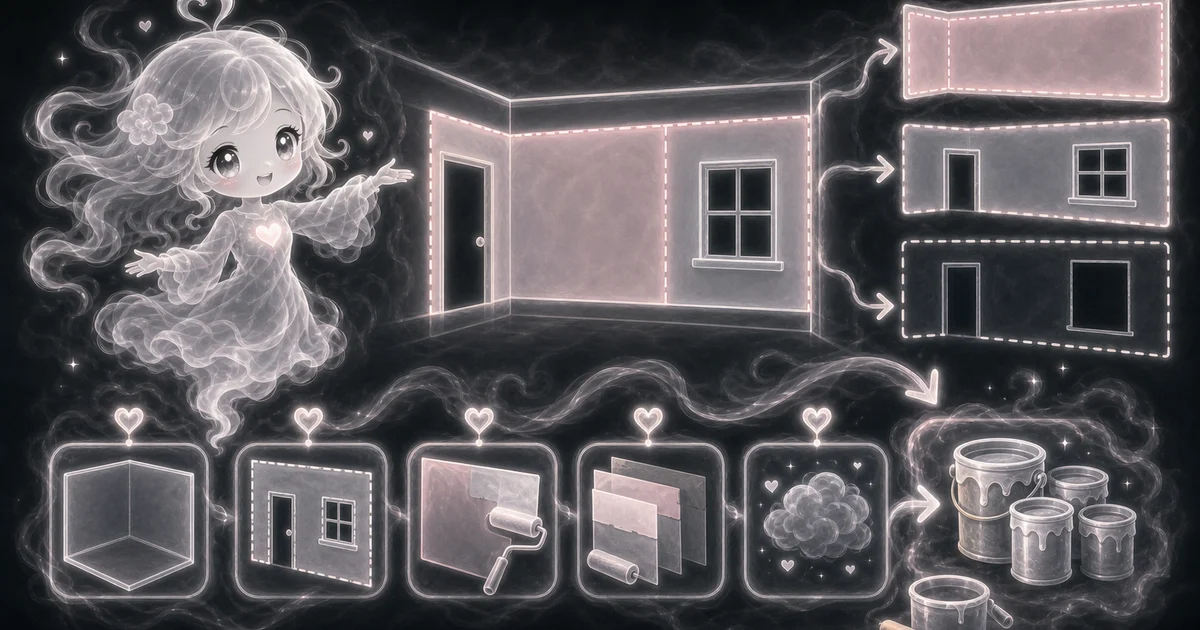
Estimate gallons for a bedroom, office, or living room.
Adjust for one or two coats before buying paint.
Subtract common doors and windows from wall area.
Compare coverage values from different paint labels.
Check how much rougher walls or a safer extra percent change the order.
302 sq ft paintable, buy 2 gallons
491 sq ft paintable, buy 3 gallons
269 sq ft paintable, buy 1 gallon
366 sq ft paintable, buy 3 gallons
Need a slower walkthrough, a related calculator, or the full library? These links keep you close to the task you started.
Plain-language answers about when to use the tool, what it does with your inputs, what to double-check, and how privacy works.
Use it when your task matches one of these common needs: Estimate gallons for a bedroom, office, or living room. Adjust for one or two coats before buying paint. It works best when you already know room length, room width, wall height, doors, windows, coats, coverage in square feet per gallon, and extra percent.
In plain language: The calculator finds wall area as 2 x (length + width) x wall height, subtracts 20 square feet per door and 15 square feet per window, multiplies by coats and extra percent, then divides by square-foot coverage per gallon. The examples on the page are there so you can compare your inputs with a paint gallon example before copying the answer.
Room length, width, and wall height: the rectangular room dimensions used to estimate wall square footage. Doors and windows: standard openings subtracted before coats and extra paint are added. The calculator uses 20 sq ft per door and 15 sq ft per window. Coats: how many full wall coats you plan to apply. Two coats roughly doubles the paintable area before coverage is applied. Coverage per gallon: the square feet one gallon covers for one coat according to the paint label or product page. Extra percent: extra paint for texture, roller and tray loss, touchups, small measurement errors, and a safer shopping estimate.
Read the headline estimate first, then check the material, waste, coverage, and unit lines. For project tools, the supporting lines are often the difference between a rough idea and a list you can actually shop from.
This is an interior wall buying estimate. Paint coverage still depends on the product label, primer, surface texture, color change, application method, ceiling or trim work, and how much paint remains in the can or tray. Also check whether you are painting ceilings, trim, closets, textured walls, patched drywall, dark color changes, or primer because those can change the final order.
With the default 8 foot walls, 1 door, 2 windows, 2 coats, 350 sq ft per gallon coverage, and 10% extra, the calculator estimates 302 paintable sq ft and 1.898 gallons before rounding. Buy about 2 gallons for that example.
No. This calculator estimates interior wall paint for a simple rectangular room. Estimate ceilings, baseboards, doors, cabinets, and trim separately because they use different areas, products, finishes, or application methods.
Use the coverage number printed on the paint can or product page when you have it. If a label gives a range, use the lower end for rough, patched, porous, or dark-to-light color changes so the estimate is not too optimistic.
Only include primer if you are buying primer by the same coverage assumption and want a rough material count. For a real shopping list, estimate primer and finish paint separately because their coverage and package sizes can differ.
Doors and windows are wall openings you usually do not paint with the wall color. This calculator subtracts 20 sq ft per door and 15 sq ft per window, which is a practical estimate rather than a custom opening measurement.
Not directly. Floor square footage is length times width, while wall paint uses the room perimeter times wall height. A 12 x 10 room has 120 sq ft of floor area but 352 sq ft of wall area before openings.
The current calculator is built for full room walls. For one accent wall, multiply that wall width by wall height, subtract any opening on that wall, then compare the area with the gallons result or use the Square Footage Calculator first.
Use the wall area idea, but do not use paint gallons as a wallpaper answer. Wallpaper is bought by roll coverage and can need extra waste for pattern matching, trimming, and dye lots, so switch to the Wallpaper Calculator when the wall covering is paper, vinyl, or peel-and-stick.
No. The calculator runs in your browser tab. Your recent answers stay only on the page while you use it, and they are not sent to a server.