Quick answer
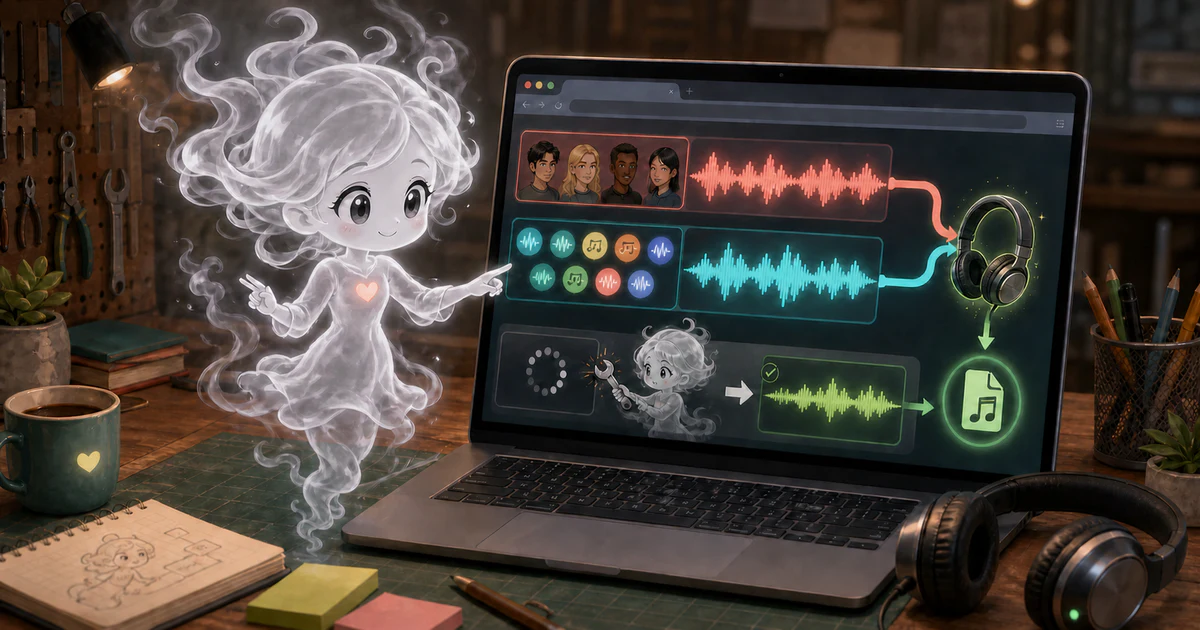
Kokoro is the tool's US and UK English option. Supertonic offers 31 named languages and remains the default model. Hear the small, pre-recorded voice samples in theText to Speech MP3 Generator before loading either model. Start with a short paragraph and listen for pronunciation errors.
Supertonic also has a maintenance limit: its upstream repository was archived on September 9, 2026. The archive says development and support have ended, including security patches. Existing downloadable files and an archived project are different facts; neither establishes future availability or support.
What the current tool offers
| Choice | Kokoro 82M | Supertonic 3 |
|---|---|---|
| Languages exposed here | US and UK English | 31 named languages plus best effort |
| Fixed voices exposed here | 28 English voices | 10 preset styles |
| Model files | About 326 MB for full precision, or 92.4 MB for q8 | About 398 MB, plus about 292 kB for a selected style |
| Browser path | Full precision on WebGPU, q8 on WebAssembly | WebGPU with WebAssembly fallback |
| Model terms | Apache-2.0 | BigScience Open RAIL-M with use restrictions |
These sizes describe the pinned model assets, not the whole first download. Runtime, tokenizer, configuration, and selected voice files can add requests and bytes. Cached files can reduce later downloads, but browser storage and network conditions vary.
File sizes: the pinned Kokoro models,Supertonic models, andSupertonic styles.
Choose a voice before downloading a model
Kokoro has 82 million parameters. Its official browser example recommends full precision for WebGPU and also shows a q8 WebAssembly path. Access Free Tools uses those two paths with a fixed English voice list. Bella is the default Kokoro choice; Emma is another available UK English voice. A default is not a listening score.
The sample player fetches one small MP3 from this site. It does not load the speech worker or generate speech from your text. All 28 Kokoro voices and ten Supertonic styles have a sample. Compare a few, then generate your own short sentence. Names, abbreviations, punctuation, and mixed-language text can expose problems that a fixed sample does not.
Background: Kokoro's browser implementation.
Supertonic's language range comes with archive limits
The interface offers Supertonic's named languages, including French, Hindi, Japanese, Ukrainian, and Vietnamese. Choose the language when you know it. The best-effort option is not a language detector and does not guarantee the right pronunciation. The ten fixed styles are labelled F1–F5 and M1–M5; this tool does not accept recordings or custom voice styles.
As checked on October 5, 2026, the official archivepoints new setup instructions at an archive model namespace. This tool still pins the earlierSupertone/supertonic-3 revision 3cadd1ee. Pinning identifies the requested files; it does not keep upstream downloads online or provide ongoing maintenance.
The repository's sample code is MIT-licensed. The weights have separateBigScience Open RAIL-M terms, including restrictions on harmful uses and requirements for how generated content is presented. Free downloads do not mean unrestricted use. Read the selected model terms and confirm your permission to convert the source text before generating audio.
What runs locally, and what still downloads
Both models perform speech inference in a Web Worker. A worker keeps that work separate from the main page controls; it still uses your device's memory and processor. The current model loaders request fixed Hugging Face asset paths. They send the text to the worker inside the browser rather than to a hosted speech-generation API.
First use needs model and runtime downloads. Running inference locally does not make the whole site offline or establish a blanket privacy guarantee. The page has separate analytics and session-replay behavior, described in the Privacy Policy. The generated audio stays in the current tab's result controls until you download it or clear the result. Save files before closing the tab.
Background: MDN's Web Workers guide.
A stalled browser should return control
The tool displays elapsed time, loading progress, and the active backend. Its watchdog watches for 90 seconds without a progress message, rather than imposing a 90-second total generation limit. If Kokoro stalls, it attempts one automatic retry with the q8 WebAssembly path. Another stall ends the job, unloads the worker, and restores the generation controls.
These controls do not promise a completion time. Memory, browser backend, text length, and download speed all matter. Try a short passage first. Use Stop or Unload model when you need to end the current work; a mobile-width page is not proof that a phone can hold the model.
Save one MP3 or an ordered chapter set
The browser converts Kokoro's 24 kHz audio or Supertonic's 44.1 kHz audio into a 128 kbps mono MP3. The filename control replaces unsafe filename characters and adds the MP3 extension. Download and listen to the file before using it in a lesson, video, or narration.
For an English dialogue example, you can put the first passage in one chapter with Bella and the second in another with Emma. Chapter mode lets you name and reorder passages, assign a fixed voice to each, and download the completed MP3 files in an ordered ZIP. It uses one selected model for the chapter set. A failed later chapter does not require discarding earlier completed audio; you can retry that chapter.
The current limit is 10,000 characters across one result or the chapter set. TXT, Markdown, and EPUB import do not turn this into an unlimited audiobook service. Thestep-by-step guide explains those controls and limits. Use thegenerator with permitted text, a short initial passage, and a voice you have actually heard.
Sources
These primary project pages and official documentation support the technical explanations in this article.
Access Free Tools is owned by Brendan Chambers. This article was revised with AI-assisted research and editing. Technical explanations were checked against linked primary sources and the current project code where applicable.