240 ft2, 24 ft2 per box
- Area with waste
- 264 ft2
- Coverage ordered
- 264 ft2
- Estimated cost
- $528.00
Pattern direction, cuts, stairs, closets, damaged pieces, and dye lots can change the real order.
Estimate whole flooring boxes from measured floor area, waste percent, box coverage, and optional box price.
Use this for planning. Check measurements, product instructions, and local requirements before buying or building. Read assumptions and limits.
240 ft2, 24 ft2 per box
Pattern direction, cuts, stairs, closets, damaged pieces, and dye lots can change the real order.
Recent flooring estimates will appear here.
Flooring estimates stay local and use your area, waste, box coverage, and optional box price.
Inputs and recent answers stay in this browser tab and are not sent to a server.
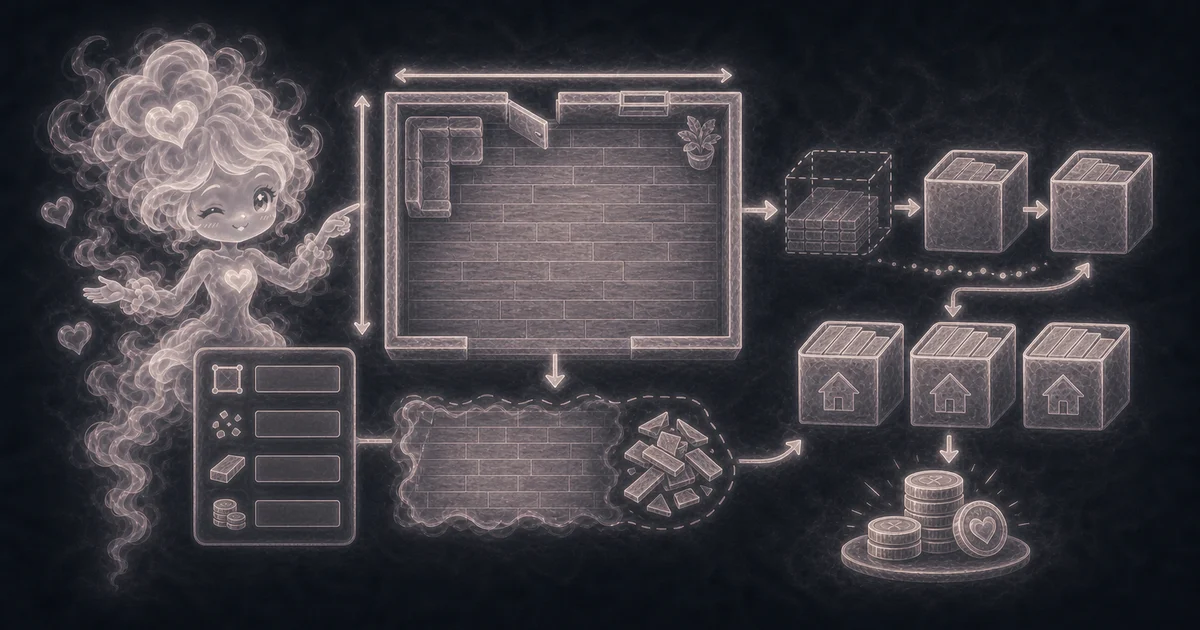
Estimate laminate, vinyl plank, engineered wood, or boxed flooring.
Add waste before buying boxes.
Compare product box coverage values.
Estimate material cost when you know price per box.
11 boxes, 264 ft2 ordered, about $528
6 boxes, 135 ft2 ordered
48 boxes, 960 ft2 ordered
Need a slower walkthrough, a related calculator, or the full library? These links keep you close to the task you started.
Plain-language answers about when to use the tool, what it does with your inputs, what to double-check, and how privacy works.
Use it when your task matches one of these common needs: Estimate laminate, vinyl plank, engineered wood, or boxed flooring. Add waste before buying boxes. It works best when you already know the measurements, amounts, units, or options the page asks for.
In plain language: The calculator uses adjusted area = floor area x (1 + waste percent / 100), then boxes = ceiling(adjusted area / square feet per box). If price per box is entered, it multiplies whole boxes by that price. The examples on the page are there so you can compare your inputs with a worked example before copying the answer.
Floor area: the measured square footage for every room, closet, hallway, or connected area that gets the same flooring. Waste percent: extra flooring for cuts, damaged planks, pattern direction, mistakes, and future repairs. Box coverage: how many square feet one box covers according to the product label. Price per box: an optional material price used only when you want an estimated product cost.
Read the headline estimate first, then check the material, waste, coverage, and unit lines. For project tools, the supporting lines are often the difference between a rough idea and a list you can actually shop from.
Flooring orders depend on room shape, product layout, diagonal or herringbone patterns, stairs, closets, transitions, damaged pieces, underlayment, trim, installer layout, returns, and matching dye lots. Also check the unit, scale, mode, and result limit because small input changes can change the answer.
For a simple straight layout, 5% to 10% is a common starting point. Use more when the room has many cuts, closets, stairs, diagonal layout, herringbone layout, fragile boards, or if you want spare pieces for repairs. The product label or installer should win if they give a specific overage.
Flooring is bought in whole boxes. If the math says 10.2 boxes, you still need 11 boxes because stores will not sell 0.2 of a box for most plank or laminate products. Rounding up also helps cover small measuring mistakes.
Look on the product label, product page, or carton. Use the square feet per carton or box number, not the size of one plank. If the box says 24 square feet, enter 24.
Only if you include those areas or costs yourself. The calculator estimates flooring boxes and optional product cost. It does not price stair noses, transition strips, underlayment, adhesive, tax, delivery, tools, or labor.
Yes when you can. Flooring bought later may come from a different dye lot, finish run, or shade batch. Buying the main order together and keeping a little spare material can make future repairs less obvious.
Use this page for boxed plank, laminate, vinyl, engineered wood, or similar flooring. For tile counts and grout assumptions, use the Tile Calculator. For roll width and square yards, use the Carpet Calculator.
Both materials are sold in whole packages and both create offcuts. Flooring waste covers cuts, damaged boards, pattern direction, and future repairs. Wallpaper waste covers trimming, pattern matching, damaged strips, and dye lot safety. The idea is similar, but the best percentage can be different.
No. The calculator runs in your browser tab. Your recent answers stay only on the page while you use it, and they are not sent to a server.